

 Performances + Events
Classroom and Performance Hall Technology
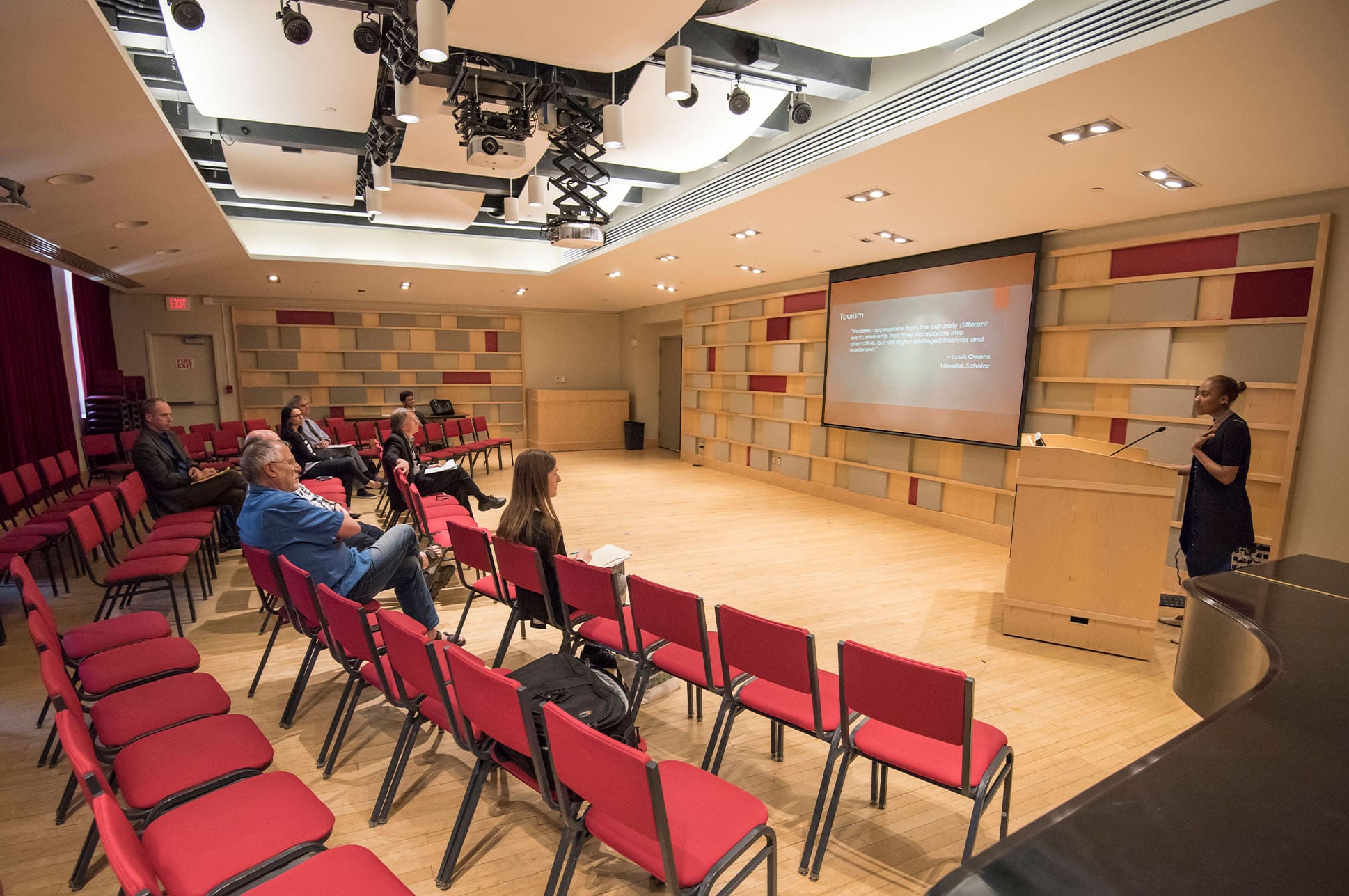
NEC classrooms and performance spaces offer a range of tools and technology to support instruction, rehearsal, recording, streaming, and collaboration.
Classroom and Performance Hall Technology
Classroom Technology
If you need additional software in your classroom, please contact the Help Desk. Please bring your cell phone to your classroom with you to authenticate to OneLogin.
Instructor podium with a Mac computer and connections for a laptop. Ceiling-mounted camera and microphones.
Windows PC, wall-mounted TV screen, and wireless keyboard and mouse. Wall-mounted camera and microphone.
Classroom and Performance Hall Technology
Performance Hall Self-Run Technology
Self-use recording and streaming systems are available for use by NEC College students and faculty during the academic year in all concert halls except Jordan Hall. The use of portrait orientation in Brown Hall, landscape orientation in Pierce Hall, and the Black Box Theatre must be arranged ahead of time with RPTS so that the room can be configured properly. Hall bookings for use of these systems must be completed through the scheduling office and count toward the student’s allotted hall time per semester.
These systems provide stereo audio and single-camera video recording using the same mics and cameras that RPTS uses for recital and concert recordings. We encourage you to bring your own headphones to check your levels. Both ¼” and ⅛” are accommodated.
Please do not rely on audio levels and camera settings from the previous user. Be sure to check your levels and camera angles carefully. If you encounter an issue with your recorded material, contact RPTS immediately to see if we can assist you.
Hall-specific instruction guides and video tutorials are available below. RPTS also provides in-person training by request. Please contact us at (617) 585-1275 or rpts@necmusic.edu to arrange for training at least ten business days in advance of your recording session. Trainings are subject to staff and hall availability.
Most concert halls on campus have built-in A/V presentation systems, except for Jordan Hall and Williams Hall.
- Jordan Hall Building: Brown Hall*, Keller Room
- SLPC/St. Botolph: Burnes Hall, Eben Jordan Ensemble Room, Plimpton Shattuck Black Box Theatre*, Pierce Hall*
* Use of the lectern in Pierce Hall, Brown Hall, and Plimpton Shattuck Black Box Theatre must be arranged with the NEC Production Team.
These rooms are equipped with an in-room computer. Anyone planning to use these systems for the first time should review the information about the hall’s self-run systems (below) or contact RPTS no fewer than 10 business days before your event to schedule training. Training must occur during our normal business hours, Monday–Friday, 10 a.m.–6 p.m. Trainings are subject to staff and hall availability.
Connections in these spaces are HDMI and 3.5mm audio. Bluetooth audio is available in Brown Hall only. Presenters are encouraged to provide their own cables and adapters for use with their devices. If that is not possible, please contact ITS to arrange for a loan.
Please note: the Brown Hall stage orientation and Burnes Hall recital positions do not allow for the use of the presentation system during events. The landscape orientation in Brown may be used for classes, performances, and masterclasses.
Classroom and Performance Hall Technology
Self Run PA Technology
The following spaces are equipped with self-run PA systems:
- Jordan Hall Building: B28, 340, 342, 354, 356, 358
- 33 Gainsborough: 613, 710, 711
- SLPC/St. Botolph: G01, Eben Jordan Ensemble Room*, Pierce Hall*, Bower Stage (Dining Commons)*
These systems include two speakers and a small mixer. Students are expected to bring their own mic, cable, and stand, if one is desired – this equipment can be checked out through the R&R Equipment Loaning Library. While we do provide speaker stands, we recommend using the speakers on the floor as stage monitors so that the ensemble can best hear themselves.
There are also portable PA systems (PPA) that may be borrowed if you are assigned a space without installed PA gear. Instructions for the use of PPAs may be found here.
Students are expected to use this equipment properly and carefully. Please do not position speakers so that they are resting on connectors. Please contact the RPTS office immediately if any equipment is malfunctioning so we may repair it promptly.
Anyone requiring training on the use of these systems should contact RPTS at (617) 585-1275 or rpts@necmusic.edu to schedule an appointment.
*Eben Jordan, Pierce Hall, and Bower Stage have unique systems. Click the above links for specific instructions.